



Drawing Tools. Draw and annotate with a range of tools and colours in a clean, distraction-free toolbar.
Powerful desktop annotation for teachers and professionals. Draw, type and capture directly over any app with a clean, distraction-free interface.
Free · Requires Windows 11, version 26100.0 or later · or try it in your browser [BETA]
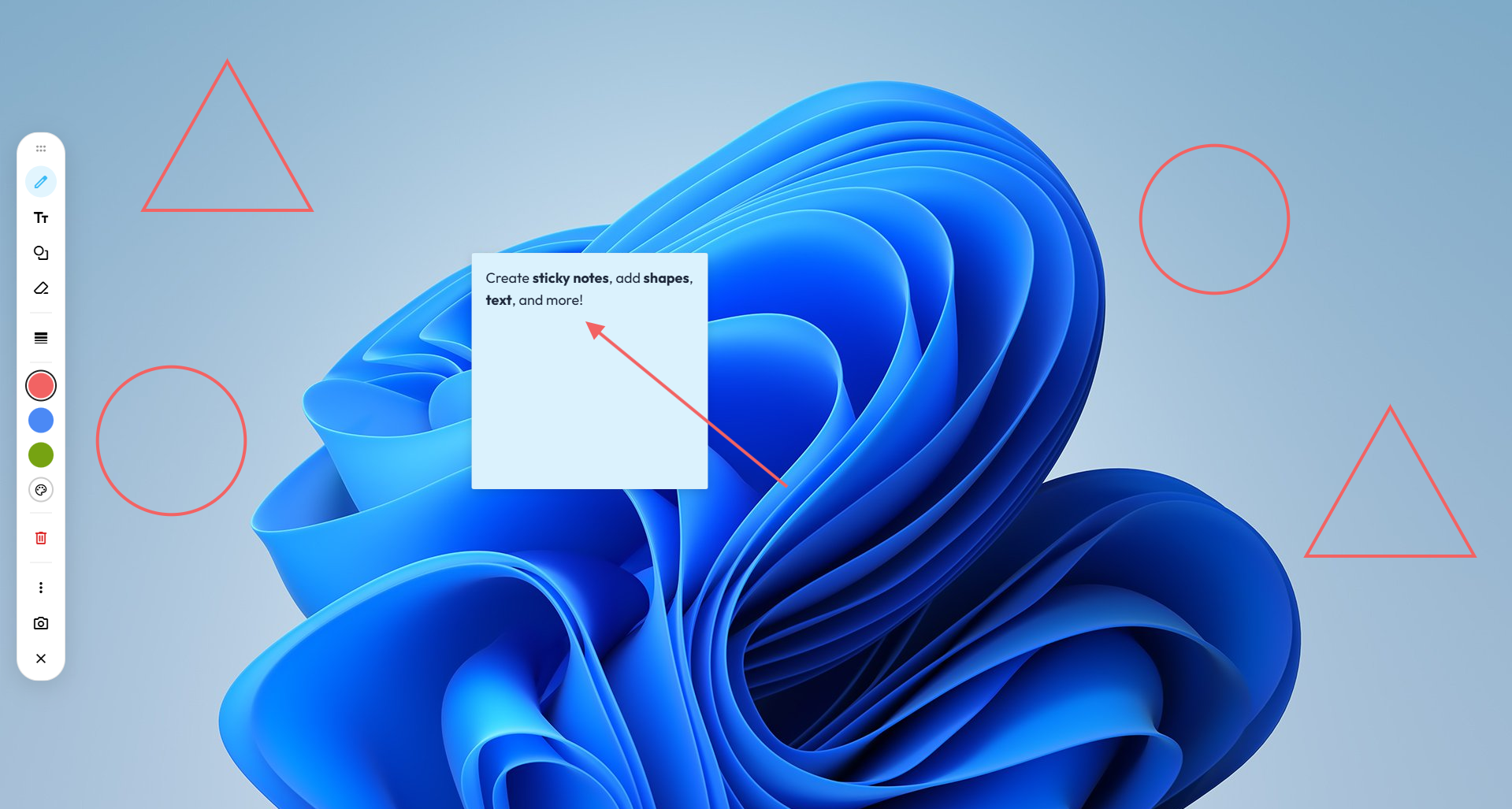
A drawing layer for your whole desktop. Mark up slides, websites and documents during a lesson or a meeting, right on top of the apps you already use.
Core Features
Draw, type, add shapes and place sticky notes over any app, then hide the overlay with a single shortcut.
Drawing Tools. Draw and annotate with a range of tools and colours in a clean, distraction-free toolbar.
Screenshot Capture. Select any area of your screen and save it instantly.
Text & Solve. Add text to the screen and solve maths expressions automatically.
Customisation. Choose your accent colour, theme and more in Settings.
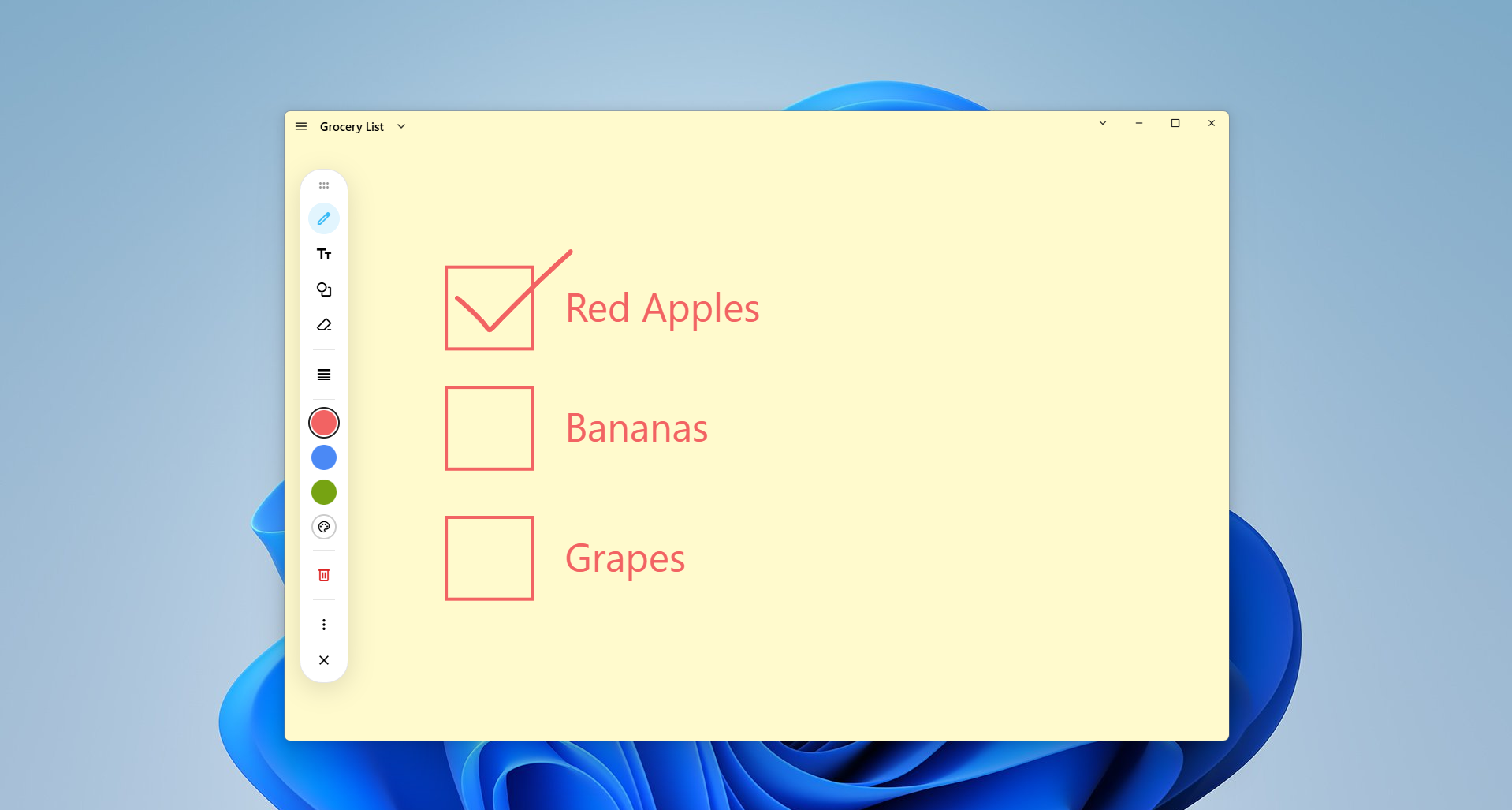
Whiteboard Manager. Auto-save and manage your annotation whiteboards.
Whiteboard Manager
Stores all your whiteboards locally on your device, with automatic saving and easy organisation through folders and search.
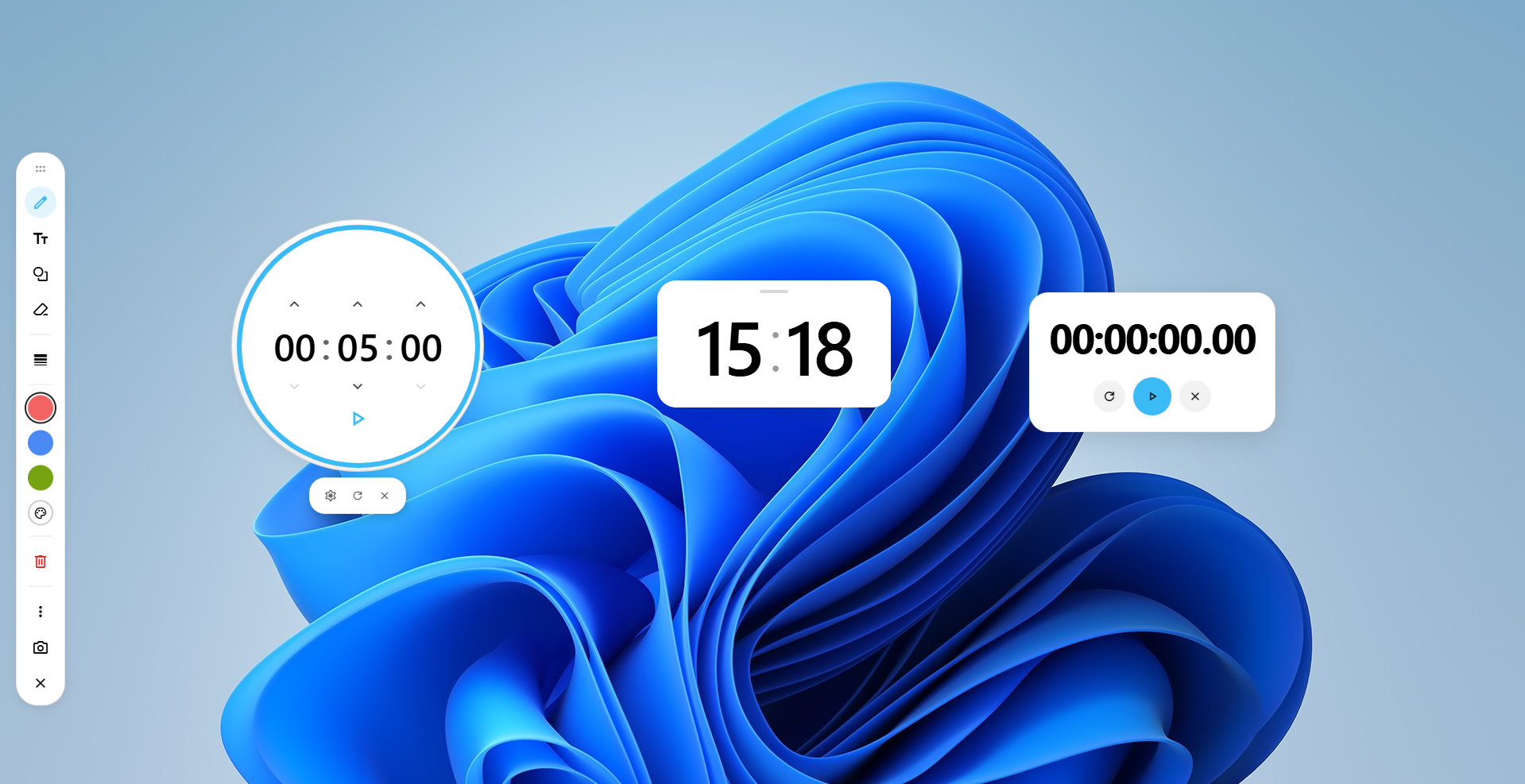
Productivity Widgets
Useful widgets that help you manage time while you work. Drag them anywhere on your screen to suit your setup.
Keyboard
Open the overlay, start a whiteboard or click through to the app underneath without reaching for the mouse. Press CtrlShift? in the app to see the full list of shortcuts.
Privacy
CYC Annotate works offline. Your boards, annotations and screen content stay on your device, and nothing is sent anywhere unless you choose to use the optional AI features.
Read the privacy policyRuns on your device. Annotation, whiteboards and widgets work locally. Nothing is sent off your PC to use the app, unless optional features like AI are enabled.
No tracking or ads. No analytics, advertising or tracking. Optional logs stay on your device unless you choose to share them.
Your work stays yours. Boards and settings are stored locally on your device.
Can't find what you're looking for? Visit the Help Centre or email support.
CYC Annotate is a desktop annotation and whiteboard tool for Windows to draw, type, add shapes, and place sticky notes over your screen (Mac support is planned for the future).
CYC Annotate is 100% free to download and use on Windows, with no hidden costs or subscriptions.
CYC Annotate works offline, and your boards, annotations and screen content stay on your device. If you choose to use the optional AI features, the messages you send, plus any canvas details or pictures you attach, are sent to process your request. For full details, please read our privacy policy.
Press Ctrl + Shift + D to toggle the screen overlay toolbar, and press Ctrl + Shift + W while the overlay is active to launch a whiteboard. Press Ctrl + Shift + ? in the app to see the full list of shortcuts.
It pauses drawing so you can click through the canvas to interact with background applications (toggle instantly with Space).
Requires Windows 11, version 26100.0 or later · or try it in your browser [BETA]