

Drawing Tools. Draw and annotate with a range of tools and colours in a clean, distraction-free toolbar.
Powerful desktop annotation for teachers and professionals. Draw, type and capture directly over any app with a clean, distraction-free interface.
Free · Requires Windows 11, version 26100.0 or later · or try it in your browser [BETA]
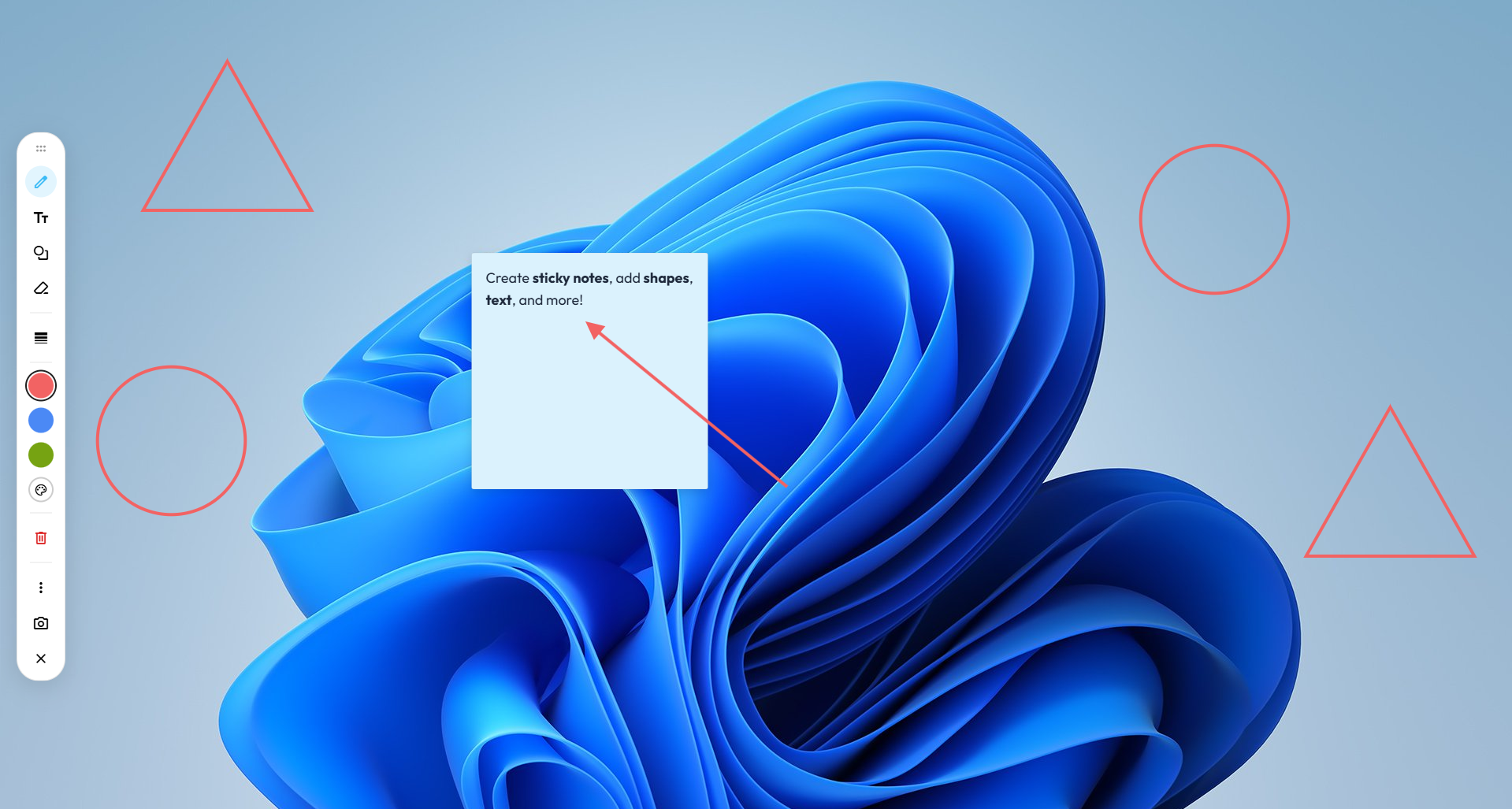
A drawing layer for your whole desktop. Mark up slides, websites and documents during a lesson or a meeting, right on top of the apps you already use.
Core Features
Draw, type, add shapes and place sticky notes over any app, then hide the overlay with a single shortcut.
Drawing Tools. Draw and annotate with a range of tools and colours in a clean, distraction-free toolbar.
Screenshot Capture. Select any area of your screen and save it instantly.
Text & Solve. Add text to the screen and solve maths expressions automatically.
Customisation. Choose your accent colour, theme and more in Settings.
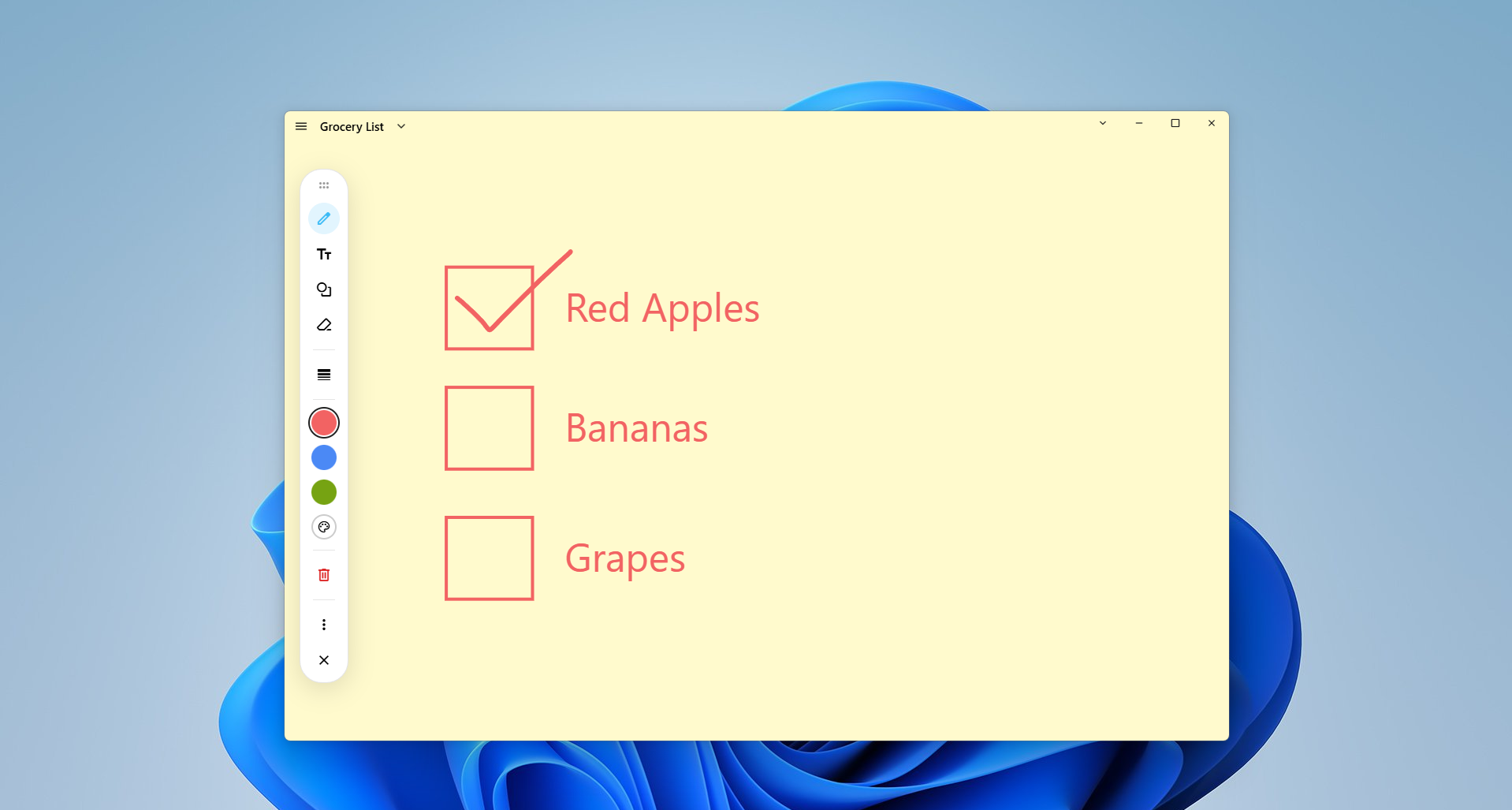
Whiteboard Manager. Auto-save and manage your annotation whiteboards.
Whiteboard Manager
Stores all your whiteboards locally on your device, with automatic saving and easy organisation through folders and search.
AutosaveEvery stroke is saved to the canvas automatically.
FindSort, search and pin your boards.
FoldersOrganise boards into folders with colour themes.
ExportSave as PNG or PDF, copy to the clipboard or keep a local file.
Productivity Widgets
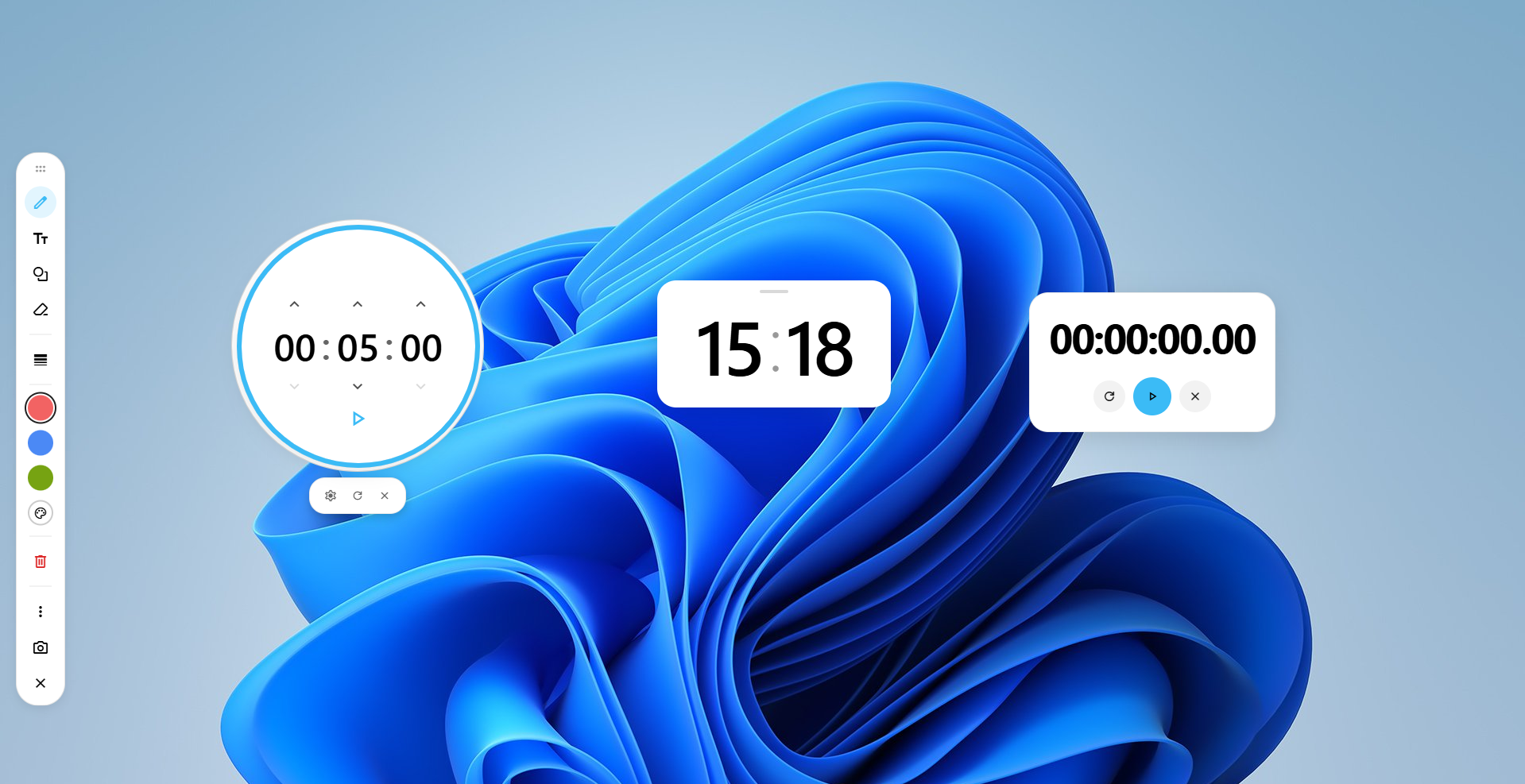
Useful widgets that help you manage time while you work. Drag them anywhere on your screen to suit your setup.
ClockDigital and analogue, with timezone support.
TimerCountdown timer with audio alerts.
StopwatchA draggable stopwatch for timing sessions.
ShelfQuick access to all your widgets.
Live Collaboration
Share an invite link and work on the same whiteboard from CYC Annotate or your browser. Everyone’s cursor, name and strokes appear the moment they happen.
Add a condensation step before the rain?
Quiz on Friday
Live cursors. See everyone’s cursor and name as they draw, chat right on the board and follow along with one click.
One invite link. Share a link, add a passcode and choose who can edit or only view.
End-to-end encrypted. Boards are encrypted between devices, so the server only relays data it can’t read.
Desktop and web. Join from CYC Annotate on Windows or straight from the browser, with nothing to install.
Keyboard
Draw, open a whiteboard or click through, without reaching for the mouse.
Ctrl+Shift+DShow or hide the overlay.
Ctrl+Shift+WOpen a whiteboard while the overlay is on.
SpacePause drawing and click through.
You can customise every shortcut in the app’s Settings → Shortcuts.
Privacy
CYC Annotate works offline. Your boards, annotations and screen content stay on your device. Nothing is sent unless you use optional features like AI or end-to-end encrypted live collaboration.
Read the privacy policyRuns on your device. Annotation, whiteboards and widgets work locally. Nothing is sent off your PC to use the app, unless optional features like AI or live collaboration are used.
No tracking or ads. No analytics, advertising or tracking. Optional logs stay on your device unless you choose to share them.
Your work stays yours. Boards and settings are stored locally on your device.
Can't find what you're looking for? Visit the Help Centre or email support.
CYC Annotate is a desktop annotation and whiteboard tool for Windows to draw, type, add shapes, and place sticky notes over your screen (Mac support is planned for the future).
CYC Annotate is 100% free to download and use on Windows, with no hidden costs or subscriptions.
CYC Annotate works offline, and your boards, annotations and screen content stay on your device. If you choose to use the optional AI features, the messages you send, plus any canvas details or pictures you attach, are sent to process your request. For full details, please read our privacy policy.
Press Ctrl + Shift + D to toggle the screen overlay toolbar, and press Ctrl + Shift + W while the overlay is active to launch a whiteboard. Press Ctrl + Shift + ? in the app to see the full list.
You can customise them in Settings (Ctrl + ,) > Shortcuts.
It pauses drawing so you can click through the canvas to interact with background applications (toggle instantly with Space).
Yes. Open a whiteboard, click Share and send the invite link. People can join from CYC Annotate on Windows or from their browser, see each other’s cursors live, and you choose who can edit or only view. Sessions are end-to-end encrypted.
Requires Windows 11, version 26100.0 or later · or try it in your browser [BETA]